Export to External Location
Overview
You can export the results of your analysis using TimeTracker Analytics using the following methods.
Export
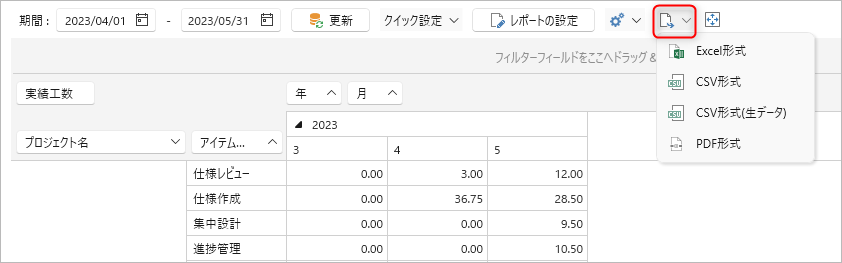
You can export to a file in the following four formats:
- Excel
- CSV
- CSV (Raw Data)
Exports raw data before aggregation in Pivot View.
If you want to analyze from your own perspective and in your own format, please use the data exported here.
Select the target using one of the following methods and specify the export destination folder.
- Select "File" - "Export".
- Click the button shown in the figure below on the analysis screen.
Copy & Paste
You can copy and paste the following two data sets to the clipboard:
-
Analysis Table Values
Select the range you want to copy and press Ctrl+C or right-click and select "Copy Selection".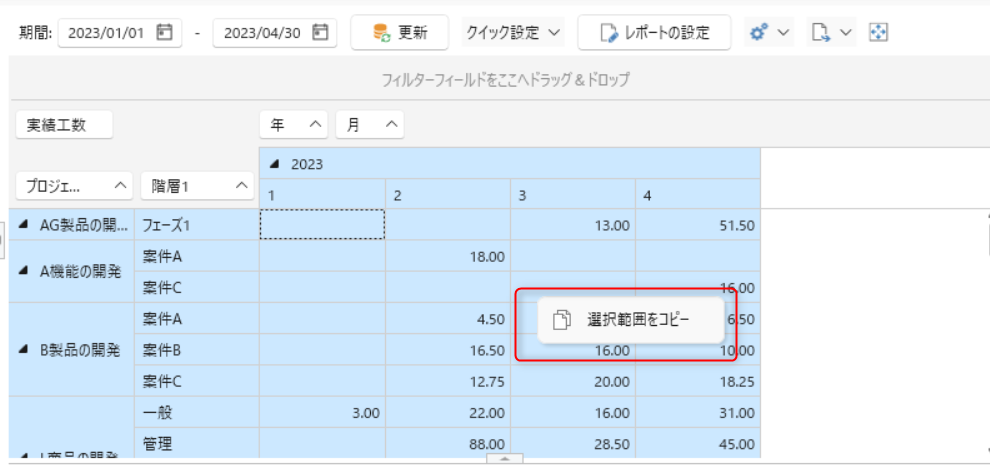
-
Graph
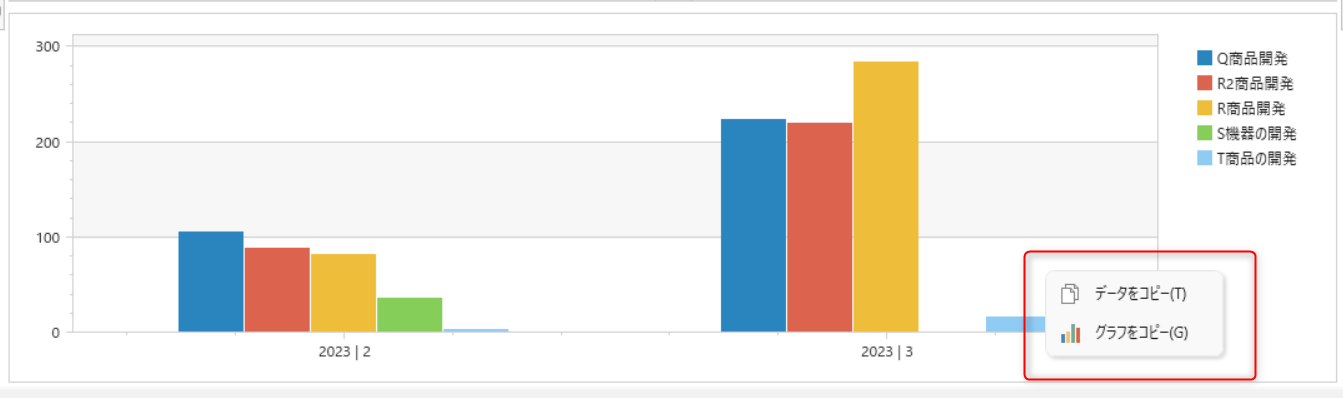
Select the graph and right-click and select "Copy Data" or "Copy Graph".