Log in
Overview
To use TimeTracker RX, you need to log in.
Please use the information provided by the administrator for the "Login Name" and "Password" required for login.
Log in
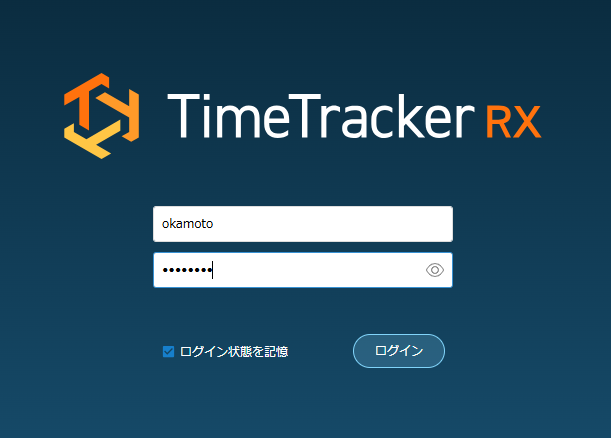
Accessing the TimeTracker RX URL using a browser will display the login screen.
By entering your login name and password and logging in, you will be able to use TimeTracker RX.
Operating Procedure
- Enter your login name and password.
- Click the [Login] button.
Checking [Remember Login State] will eliminate the need to log in every time you access.
When Single Sign-On is Enabled
It's a system that integrates with other services to centrally manage login accounts and passwords.
You don't need to manage your own TimeTracker RX account and password.
If Single Sign-On is enabled, you will see the screen shown below.
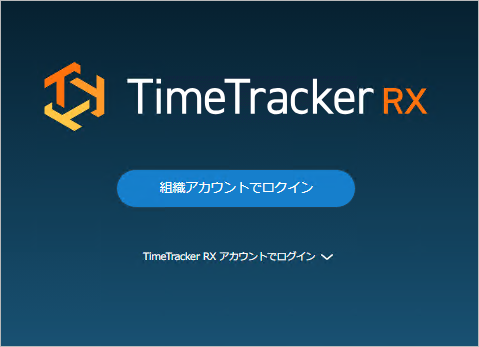
Depending on your login method, please perform the following steps:
-
For linked service accounts
-
Click "Log in with organization account".
-
Enter the linked service account information.
-
-
For TimeTracker RX accounts
-
Click "Log in with TimeTracker RX account".
-
Enter your TimeTracker RX account and password.
-
For instructions on what to do after logging in, please refer to the following link: "Login Screen"