Get an overview with a calendar
Overview
Displays project schedules on a monthly basis.
If you are worried that the display range of the Gantt chart is limited or that you want to see the days off of members at a glance,
why not check your project schedule on a monthly basis?
You can also create items such as milestones on the spot.
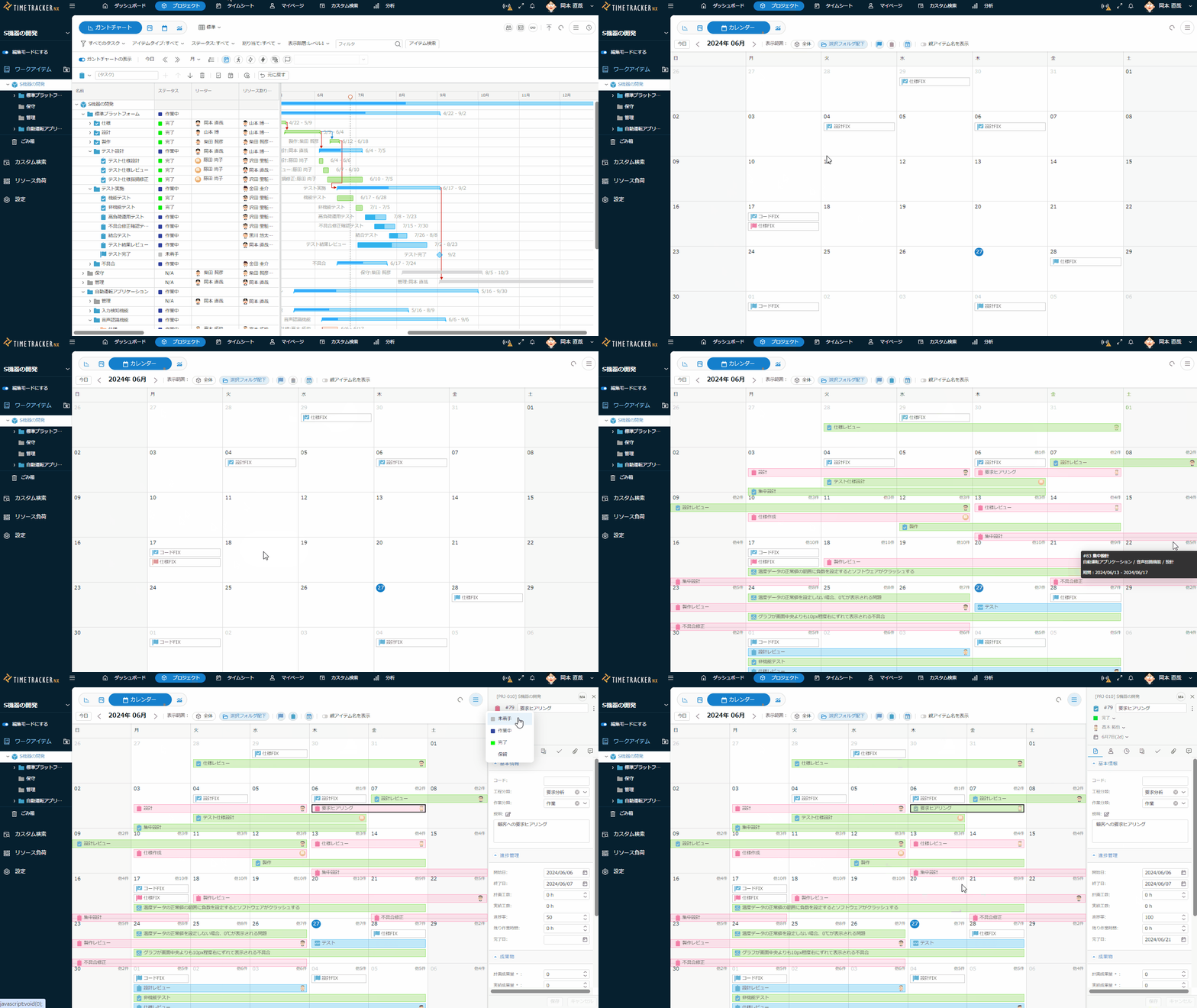
Displaying the calendar screen
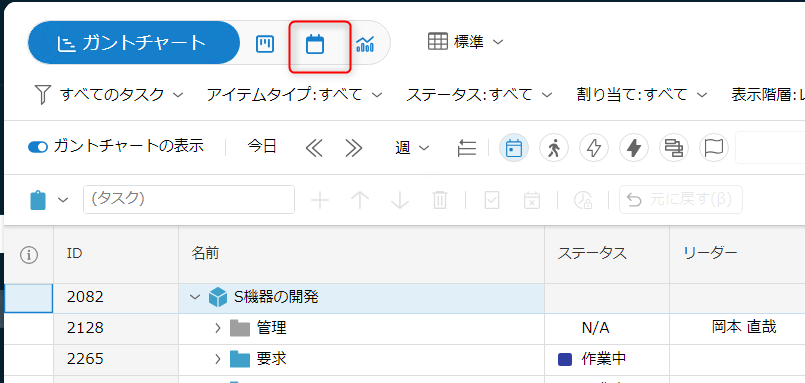
Click the following on the work item screen.
The screen display will change.
Referring to the view
You can change the content displayed by performing the following operations.
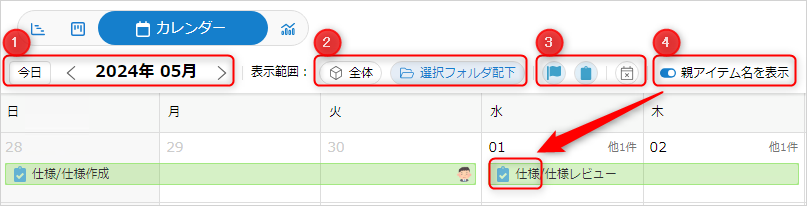
- ①: Display period
- ②: Display range (whole/directly under folder in sidebar)
- ③: Items to display (milestones/items/items not managed)
- ④: Parent item name
Creating/editing items
You can also create/edit items in the calendar view.
- Create: Click the day you want to create.
- Enter a name and edit the details.
- The created item will be created directly under the selected folder.
- Edit: Select the target item and click Item Details.