Installation Fails Due to Security Software Interference
Overview
When running the TimeTracker RX installer, the installation fails, stopping at the following screen:
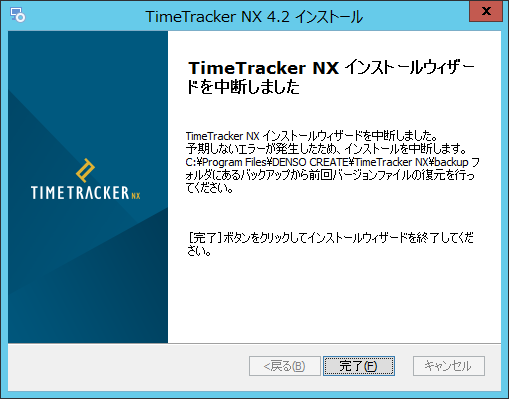
During TimeTracker RX installation, Windows PowerShell is executed internally.
At this point, the execution of PowerShell is blocked by security software, interrupting the installation.
This issue has been confirmed to occur in environments using ESET File Security, but
the same issue may occur with other security software.
If this issue occurs, please check whether Windows PowerShell is being blocked by your security software.
Solution
Exclude the following files from monitoring Windows PowerShell in your security software settings.
C:\Windows\SysWOW64\WindowsPowerShell\v1.0\powershell.exe
C:\Windows\SysWOW64\WindowsPowerShell\v1.0\powershell_ise.exe
If installation or upgrade fails, please follow the instructions in "Installation/Upgrade Failure" to revert to the state before the operation.